
Same 30% volume. Why are these earbuds louder?
SoundPill Sound Notes SN04
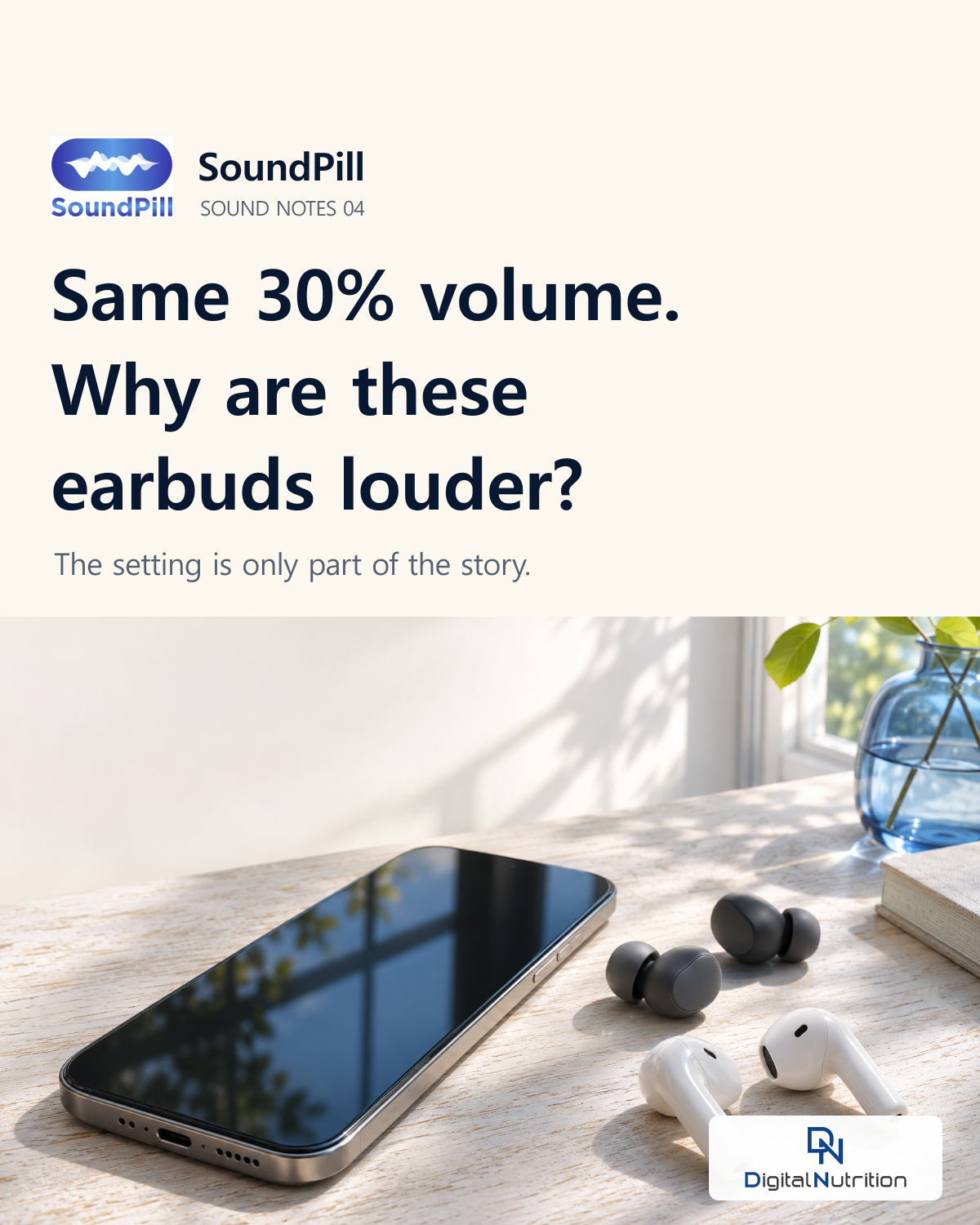
The illustrative desk scene was created with AI. The comparison and note are editorial graphics.
The same phone and the same track can sound different through another pair of earbuds. A 30% volume setting does not tell you the sound level reaching your ears in decibels (dB).
If you change earbuds, check the level again rather than relying on your usual slider position.
Why the same setting can sound louder
The headphones, recording, EQ settings and placement in your ears can all change the sound you receive. Apple explains that there is no single volume setting it can recommend for every user and use.
Your friend’s 30% setting cannot establish the level of your own earbuds. Halfway up a volume slider does not mean half the number of decibels.
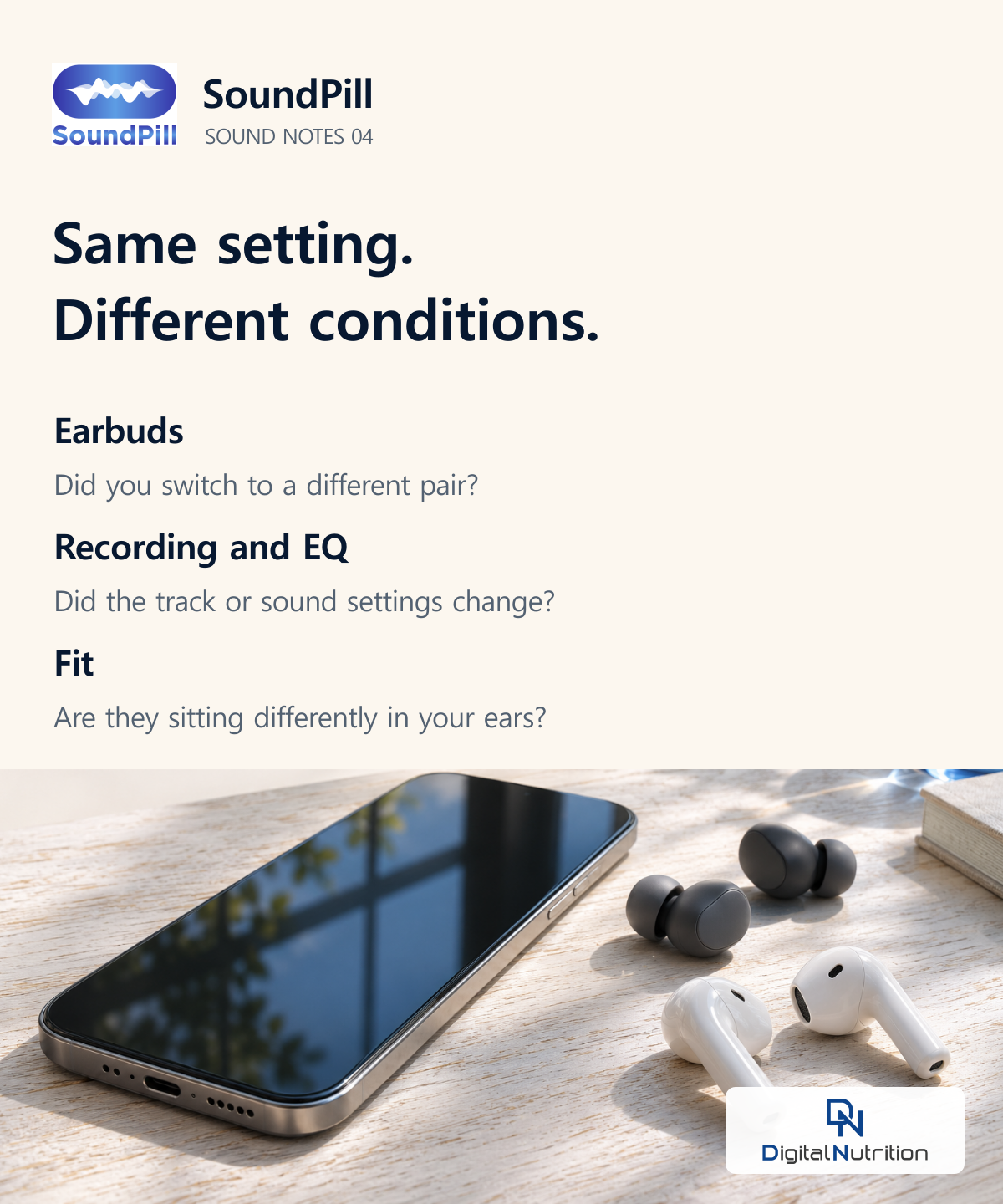
The same setting can produce a different level through another pair of headphones.
A dB reading needs a location
A phone can show you information about headphone playback or use its microphone to measure surrounding noise. Those tools are looking at different sounds.
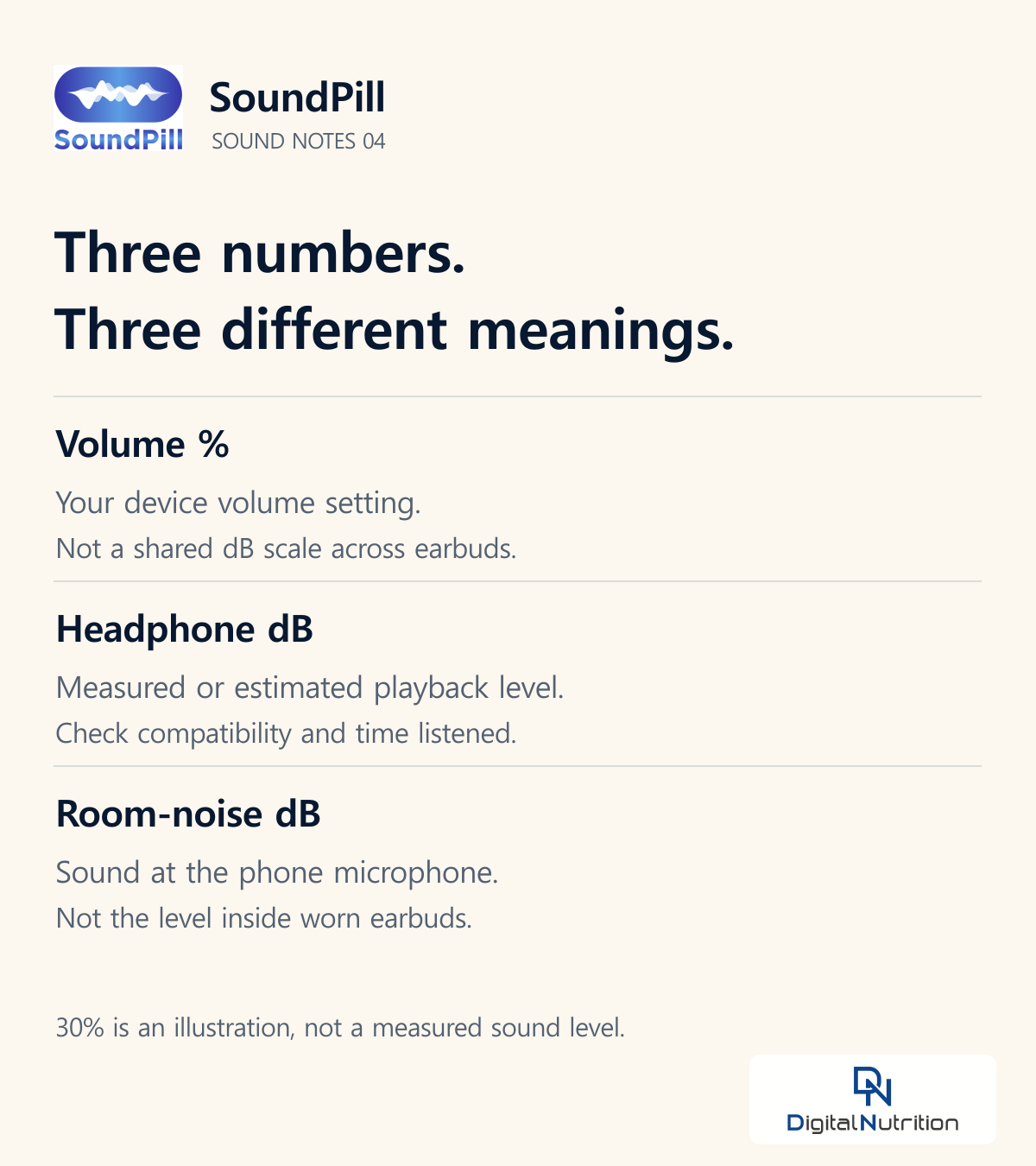
Save this guide to the numbers
• Volume slider, %: the device’s output setting. The same percentage does not establish the same dB across headphones.
• Headphone audio level, dB: playback level measured or estimated for a supported combination. Check its compatibility and accuracy limits.
• Environmental sound meter, dB: sound at the microphone’s location. It is not the same as the level inside earbuds worn in your ears.
The NIOSH Sound Level Meter app, for example, was developed to assess workplace noise. A reading taken with a phone on your desk cannot establish the level inside your earbuds. Holding an earbud against the phone’s microphone also does not recreate how it sits in your ear.
What your phone may show you
On a supported iPhone setup, Hearing in Control Center can show headphone audio levels, while Health stores listening history. Apple says these measurements are most accurate with Apple or Beats headphones; other headphones may use estimates based on the iPhone’s volume. Check which headphones produced the reading.
Supported Galaxy devices offer Volume monitor, with daily and weekly audio records and high-volume alerts. Check the manufacturer’s instructions for your model and software. We have not tested the measurement accuracy of individual phones for this article.
Keep track of time as well as the setting
WHO advises keeping device volume at no more than 60% of maximum, alongside monitoring sound level, listening duration and repeated exposure. That percentage does not convert into one dB value for every pair of headphones.
WHO’s weekly listening examples pair an average 80 dB with 40 hours and 90 dB with 4 hours. They illustrate how the recommended time falls as sound level rises. They do not predict an individual’s injury threshold or guarantee that listening up to a listed time is safe for everyone.
Three checks when you change earbuds
1. Lower the volume before pressing play. If possible, readjust in a quiet place.
2. Check supported headphone audio-level information and listening history. A room-noise reading cannot replace it.
3. Look at how long you have listened today. Take quiet breaks between long listening sessions.
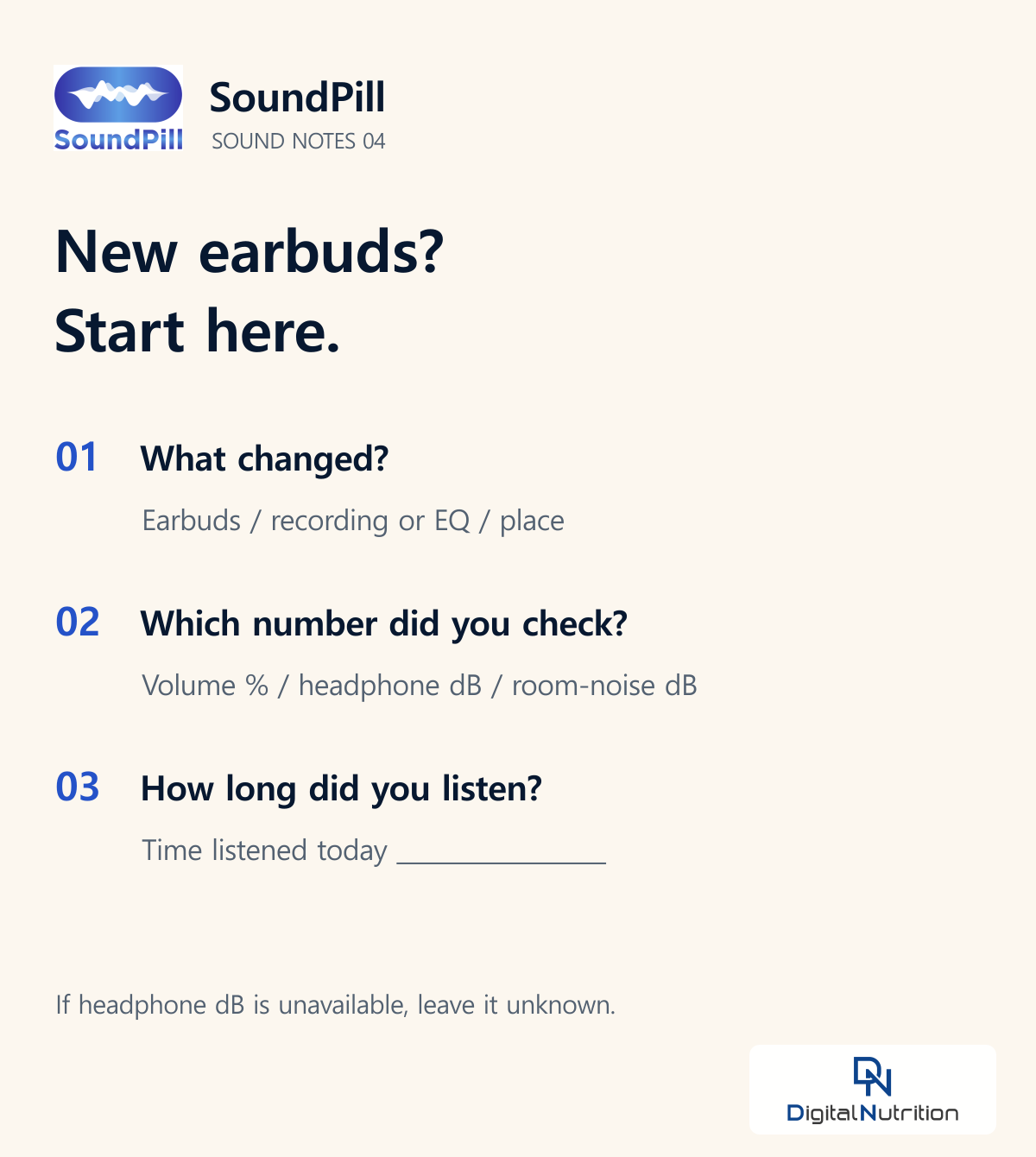
A note to save
What changed: earbuds / track or EQ / location
Which number did I check: volume % / headphone playback dB / surrounding-noise dB
Time listened today: ______
If headphone-level information is unavailable, write ‘not available’. Leave that gap instead of converting the slider percentage into a made-up dB reading.
A question for a future note: Why can your music suddenly seem louder when you step off the subway?
Sources checked
Apple: Volume settings and actual sound levels
https://www.apple.com/sound/faq.html
Apple: Check headphone audio levels
https://support.apple.com/en-au/guide/iphone/iph0596a9152/26/ios/26
WHO: Safe listening
https://www.who.int/news-room/questions-and-answers/item/deafness-and-hearing-loss-safe-listening
NIOSH: Sound Level Meter app
https://www.cdc.gov/niosh/noise/about/app.html
Samsung: Volume monitor
https://www.samsung.com/us/support/answer/ANS10001357/
Checked 6 November 2026. Menus and availability should be checked for your device, software and region.
For a healthier daily routine with SoundPill, informed by medical research!
SoundPill offers sounds for different purposes, including sleep, stress management, concentration and appetite management.

EasyRest for your bedtime routine

EasyRest 63-tablet pack. Original Korean packaging shown.
View the EasyRest 63-tablet pack
— Yeoun, SoundPill Editor
© 2026 Digital Nutrition Co., Ltd. Unauthorized reproduction or copying is prohibited.

| Number | Title | Author ID | Date Created | Like | Views |
| 59 |
Same 30% volume. Why are these earbuds louder?
DN
|
2026.11.06
|
Like 0
|
Views 155
|
DN | 2026.11.06 | 0 | 155 |
| 58 |
ASMR or white noise? Why rain recordings get both labels
DN
|
2026.11.05
|
Like 0
|
Views 146
|
DN | 2026.11.05 | 0 | 146 |
| 57 |
[Dr. Gyu’s Precision Guide] Can bone-conduction headphones still affect your hearing?
DN
|
2026.11.05
|
Like 0
|
Views 166
|
DN | 2026.11.05 | 0 | 166 |
| 56 |
White, pink and brown noise: how to choose what to listen to
DN
|
2026.11.03
|
Like 0
|
Views 185
|
DN | 2026.11.03 | 0 | 185 |
| 55 |
EasyRest pop-ups and the story behind the third production run
DN
|
2026.10.28
|
Like 0
|
Views 255
|
DN | 2026.10.28 | 0 | 255 |
| 54 |
User story 16: “I wish I’d eaten less” and appetite control with SoundPill
DN
|
2026.10.22
|
Like 0
|
Views 307
|
DN | 2026.10.22 | 0 | 307 |
| 53 |
Cat purrs, singing bowls, and the science of vibration
DN
|
2026.10.07
|
Like 0
|
Views 401
|
DN | 2026.10.07 | 0 | 401 |
| 52 |
Bringing SoundPill to a community mental health center in Eunpyeong
DN
|
2026.09.30
|
Like 0
|
Views 410
|
DN | 2026.09.30 | 0 | 410 |
| 51 |
User story 15: Still at the laptop after the Zoom call ends
DN
|
2026.09.29
|
Like 0
|
Views 447
|
DN | 2026.09.29 | 0 | 447 |
| 50 |
Market feedback from the exhibition floor
DN
|
2026.09.02
|
Like 0
|
Views 594
|
DN | 2026.09.02 | 0 | 594 |
 English
 Korean